Typst Editor
A focused environment for writing Typst with a modern editor, live preview, and support for many asset types—all running locally.
Universal build (Intel & Apple Silicon)
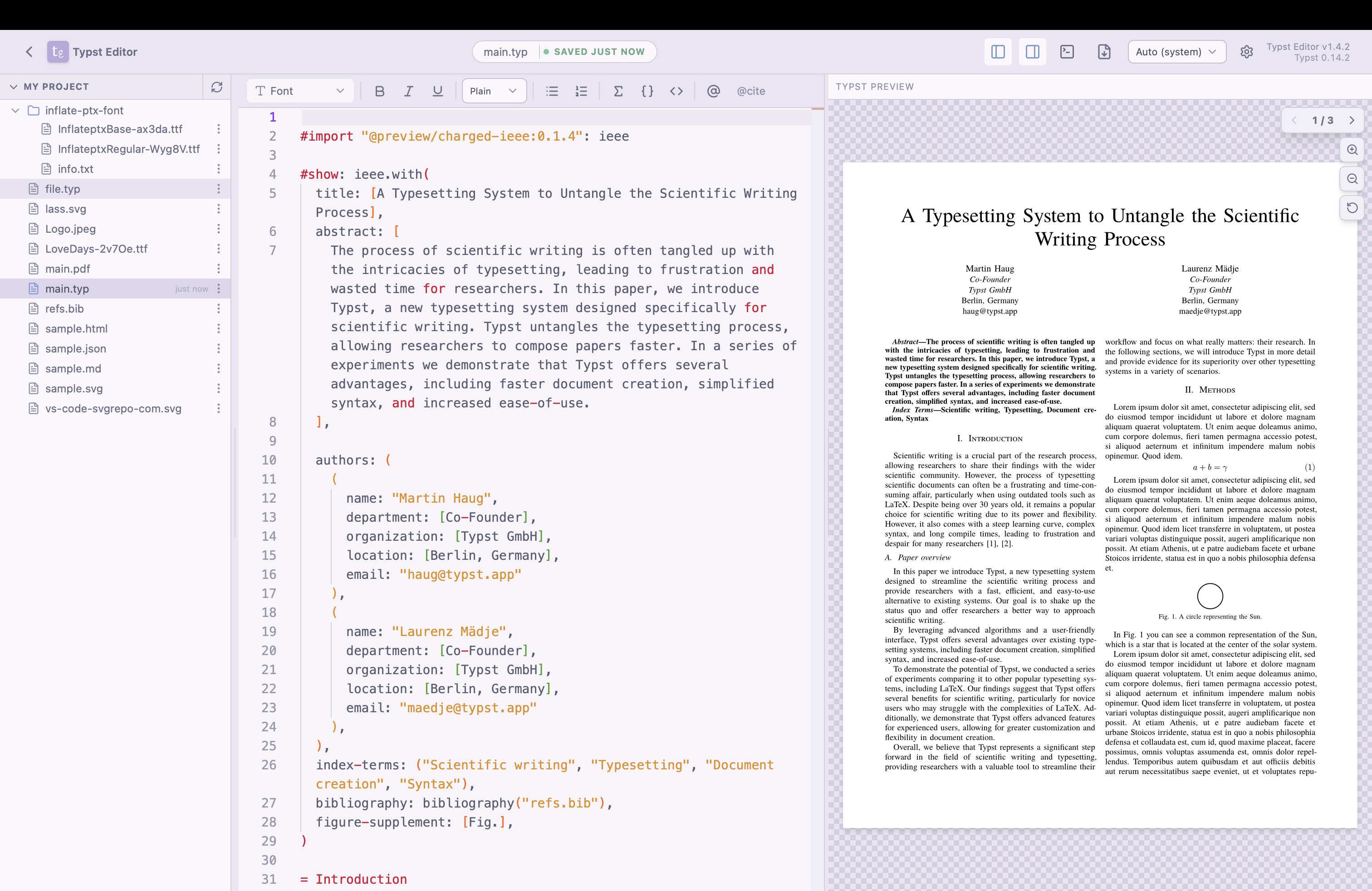
Instant Live Preview
See your changes as you type with our blazing-fast live preview. No more waiting for manual recompilation—your formatted document is always right there, allowing for seamless iterations and perfect results.
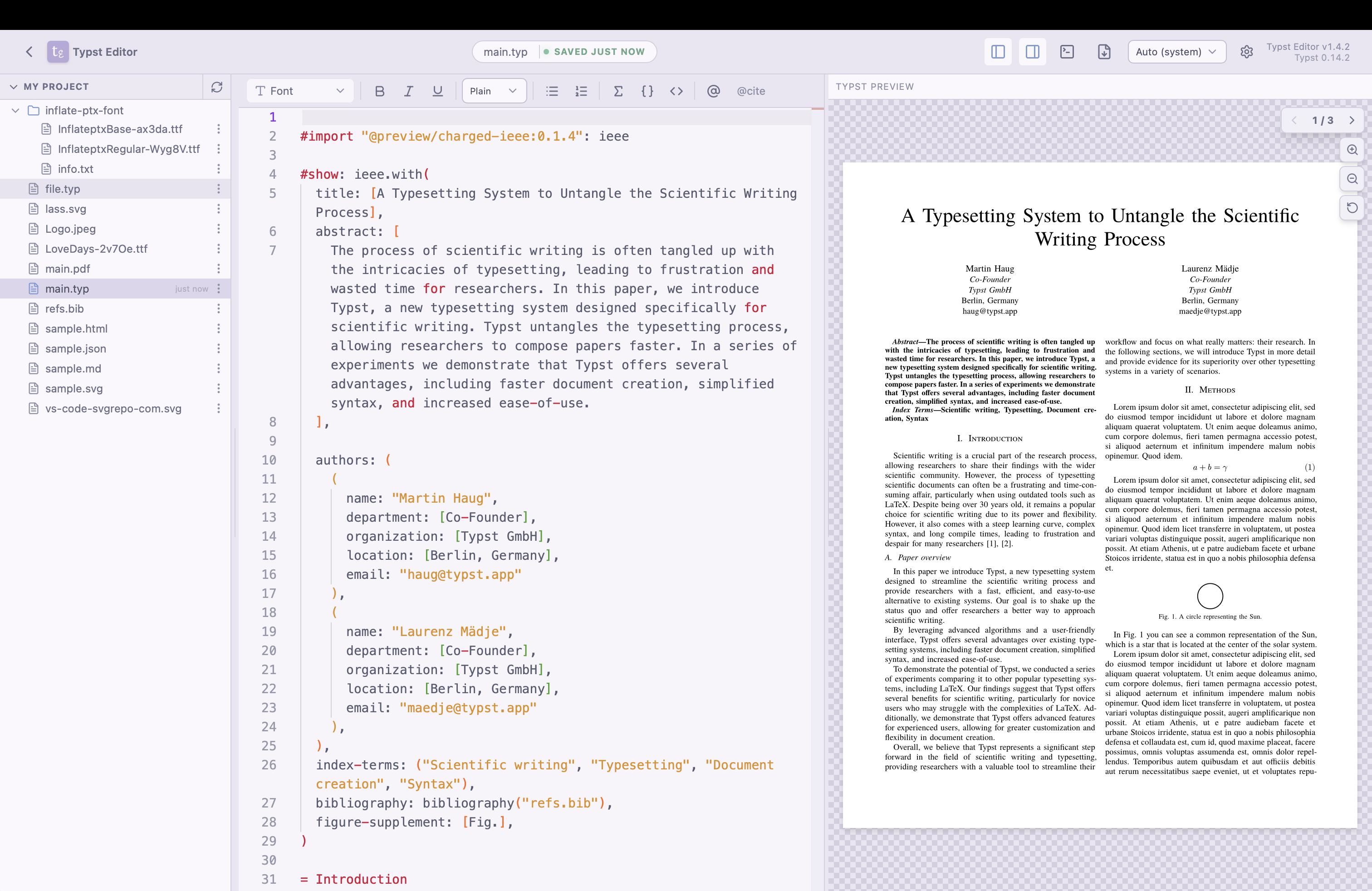
Focused Writing Experience
The Monaco-powered editor provides a familiar, high-performance environment for all your Typst documents. Enjoy features like syntax highlighting, auto-completion that helps you focus on your content
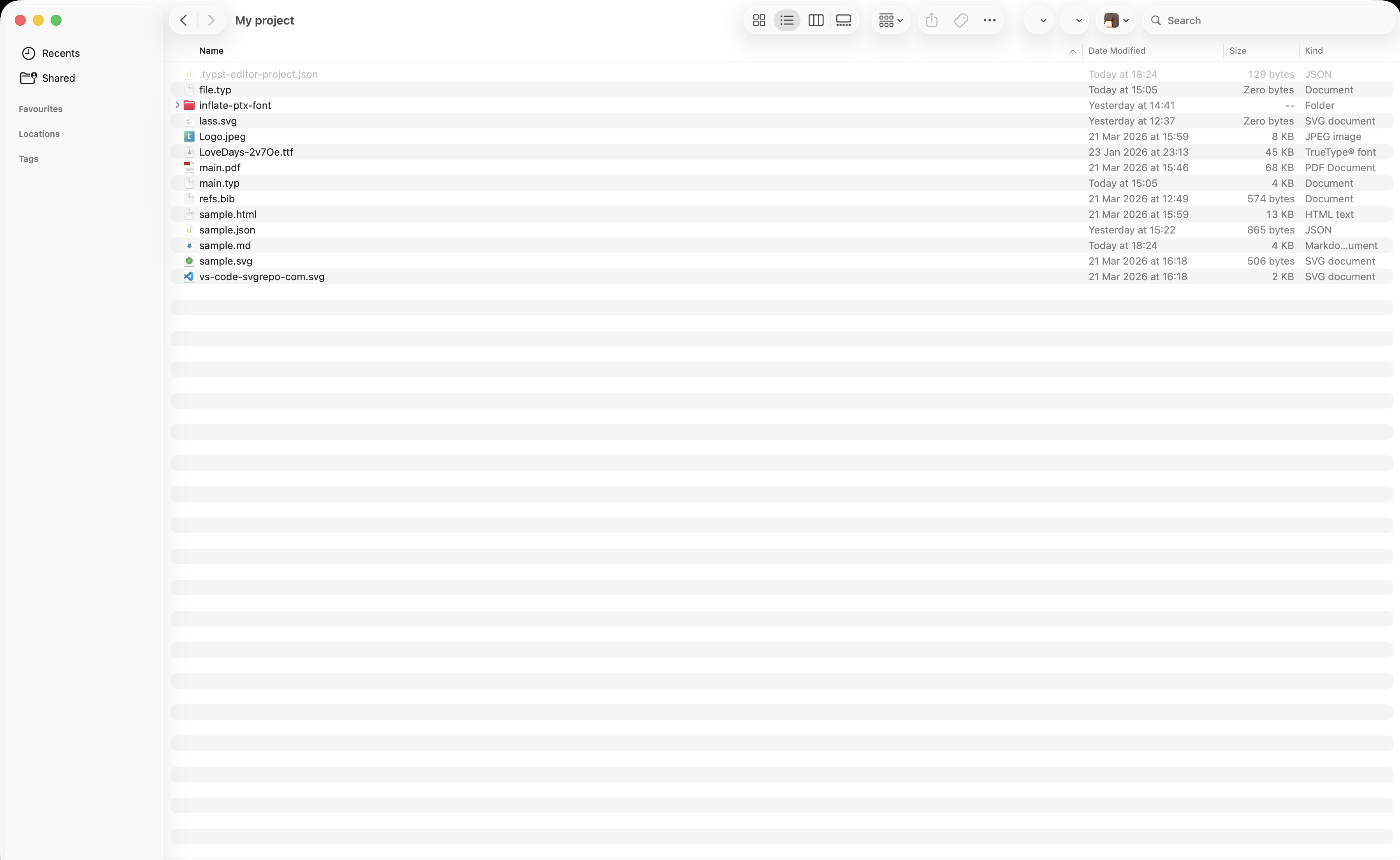
System Integration
Seamlessly integrates with your macOS file system. Open files from anywhere, use familiar drag-and-drop, and enjoy a truly native workflow.
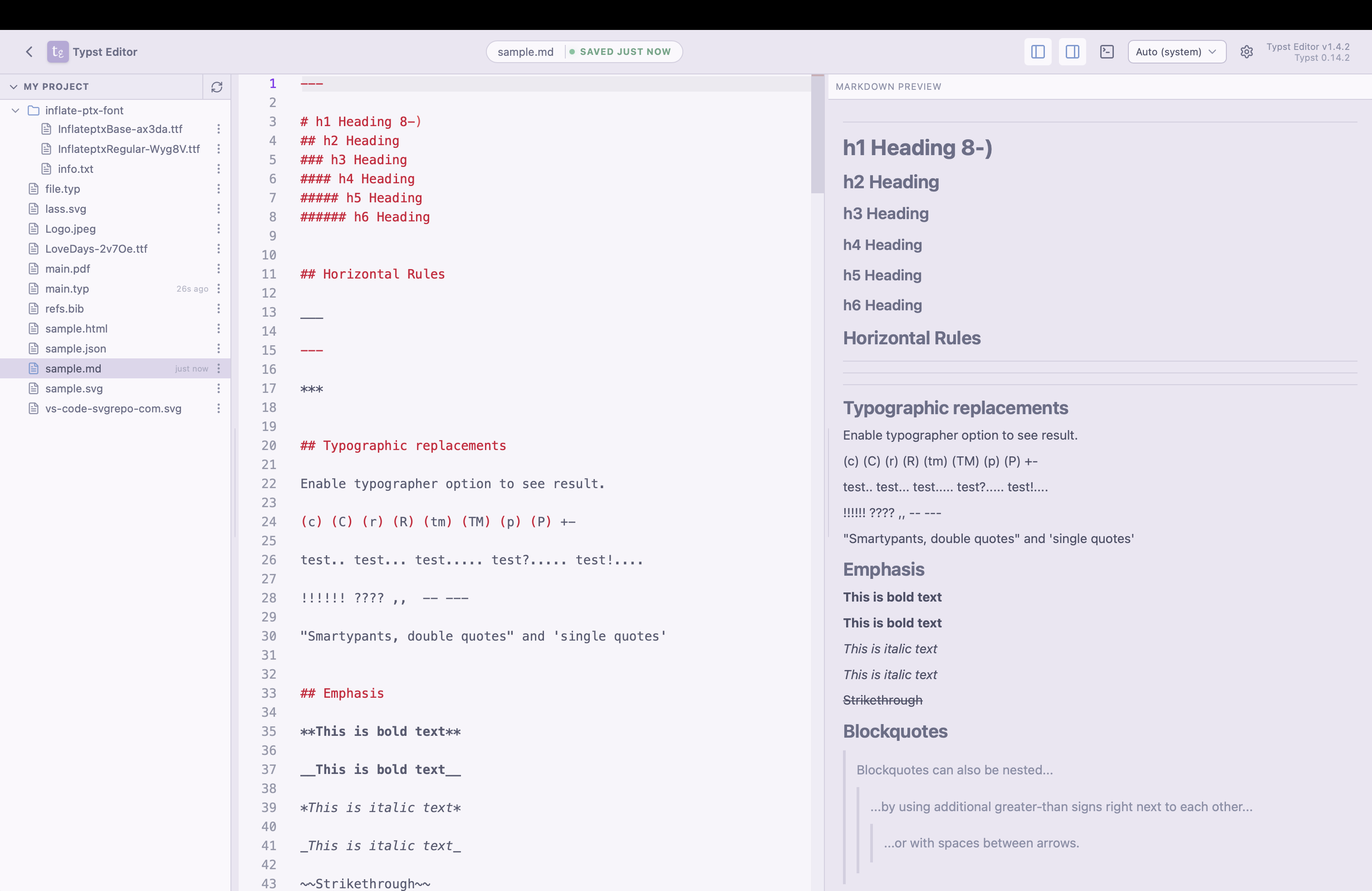
Markdown Preview
Preview Markdown files in the app with a built-in viewer and annotation-style workflows. Perfect for reviewing and refining your documents.
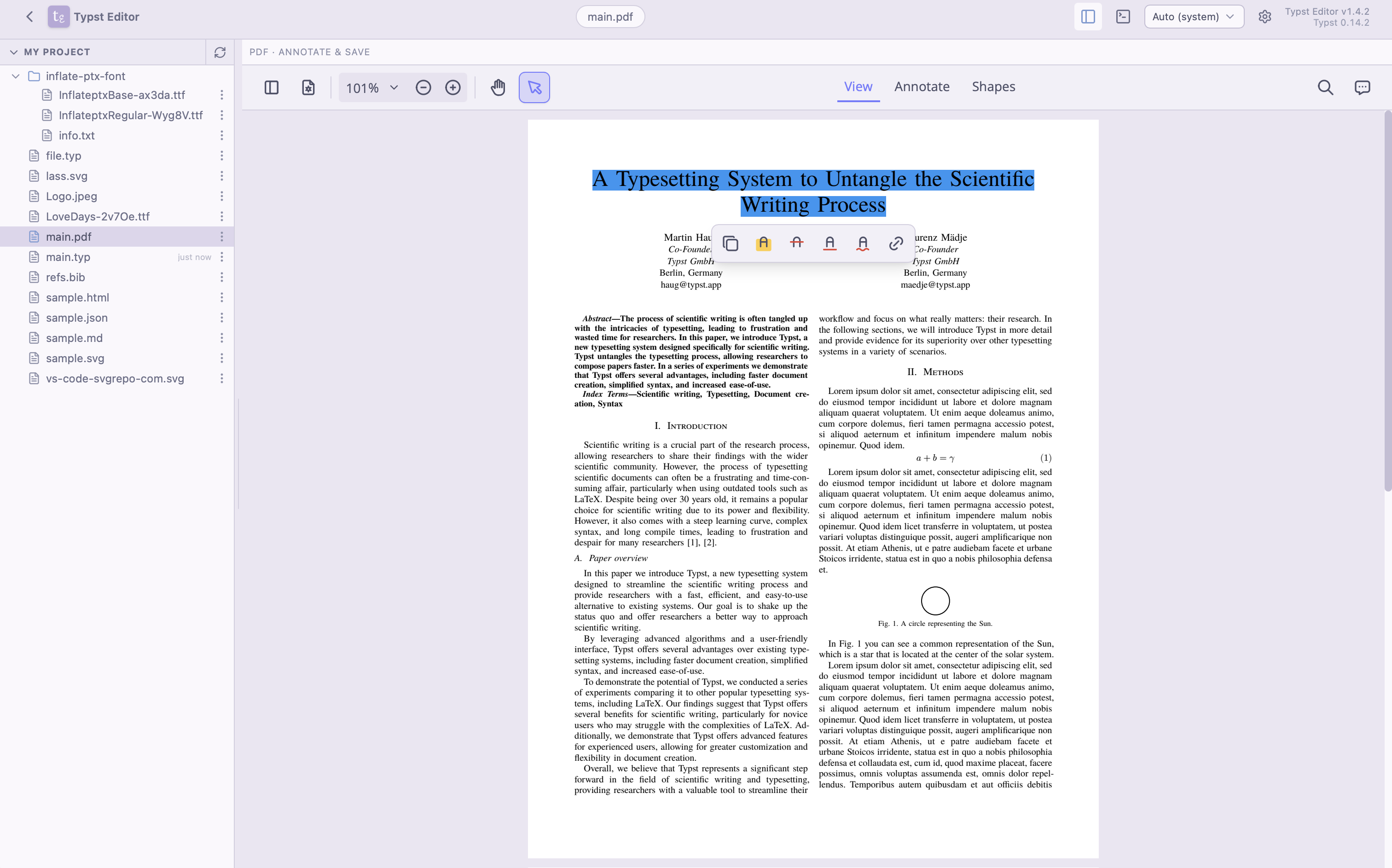
Annotate PDF
Annotate PDFs with highlights, comments, and drawings. Perfect for reviewing and refining your documents.
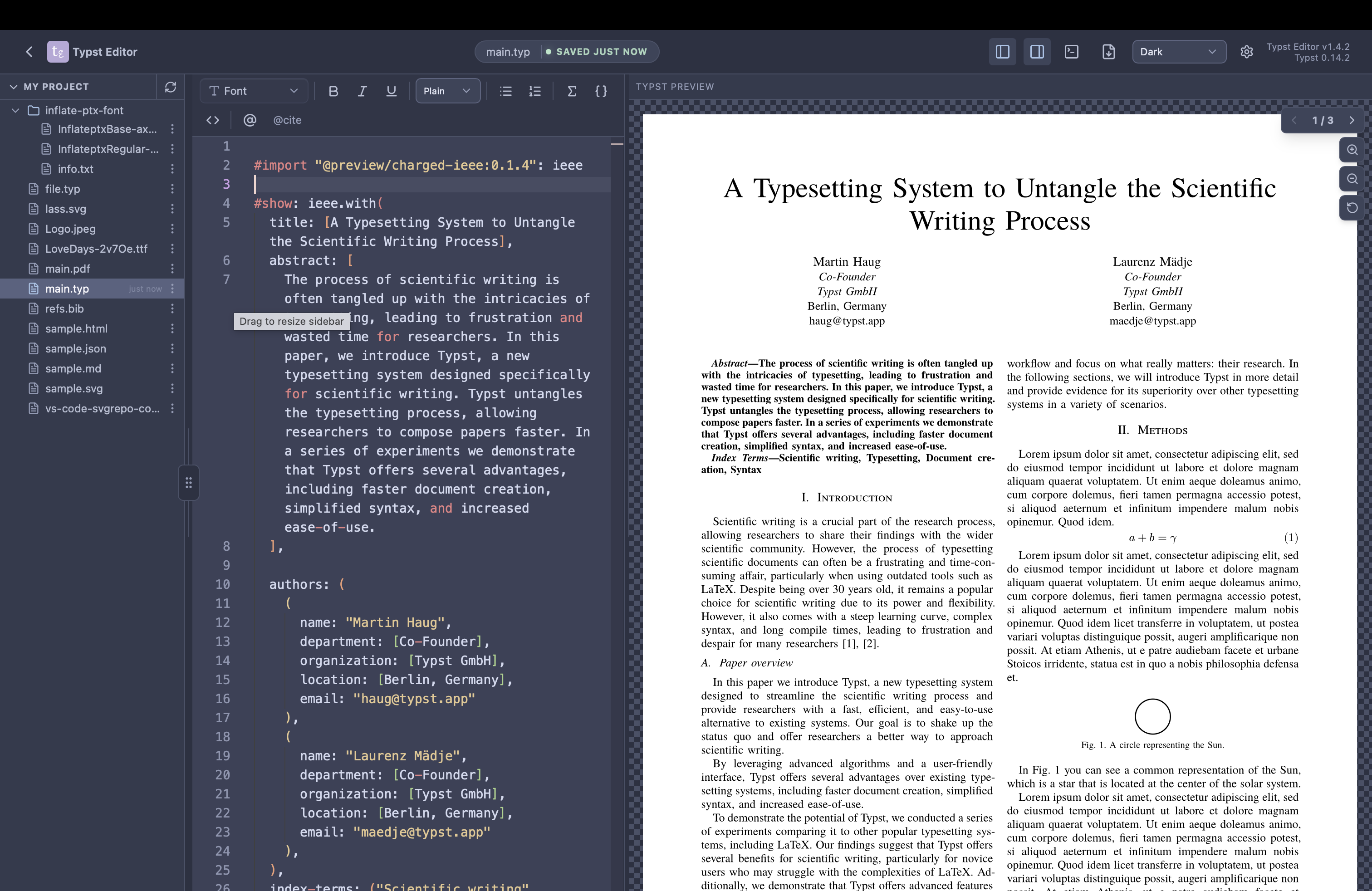
Dark Mode
Switch between light and dark mode to suit your preference. Perfect for late-night writing sessions or working in bright environments.
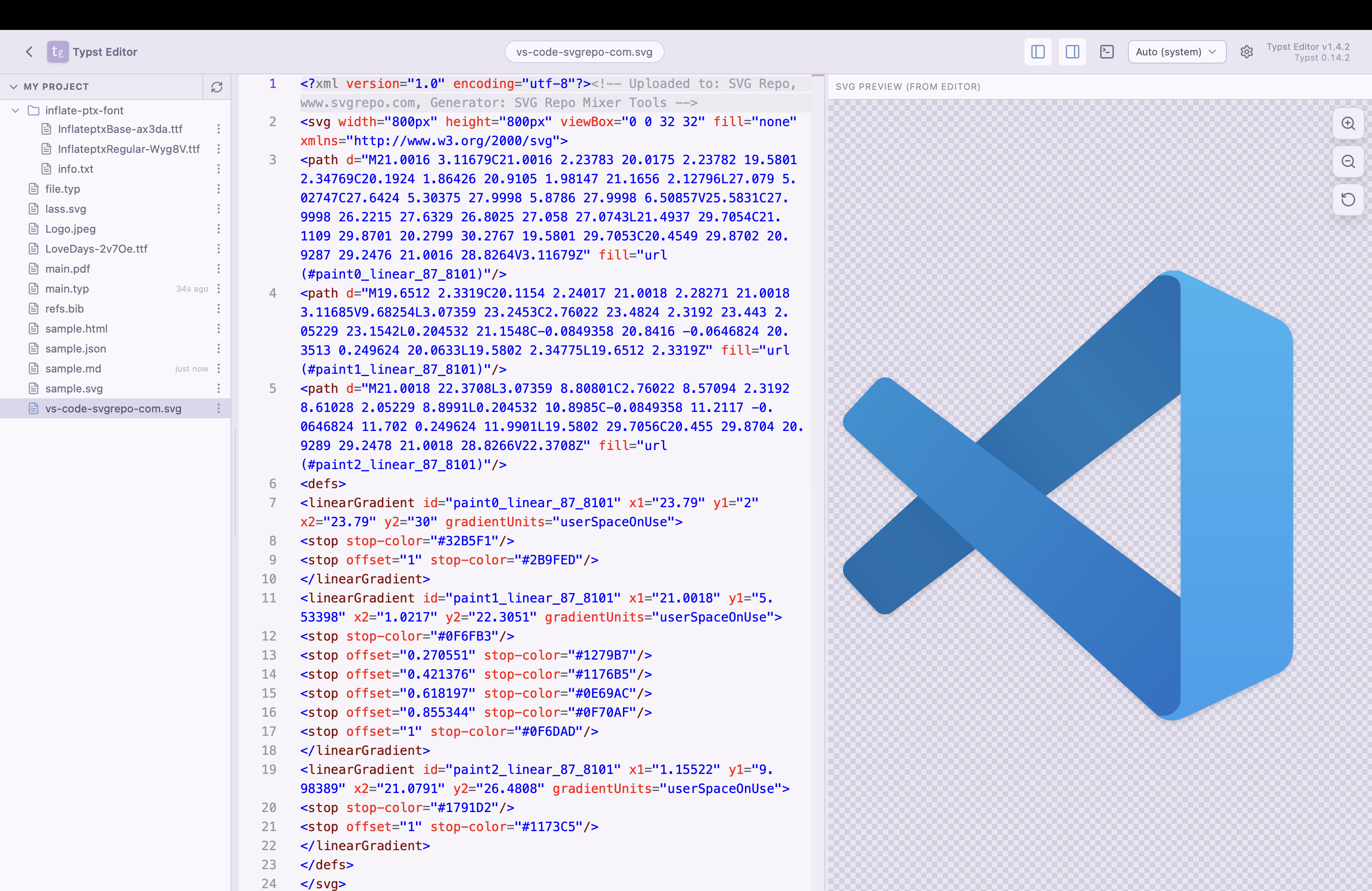
Preview Images, SVGs, and More
Preview images, SVGs, and other assets directly in the editor. Perfect for reviewing and refining your documents.